Read English web pages in Marshallese
Select English text, right-click, and choose . Google Translate opens with your text already translated into Marshallese.
Add to ChromeFree. No account needed. Works on Chrome and Chromebooks.

How it works
Two clicks, no copying and pasting.
-
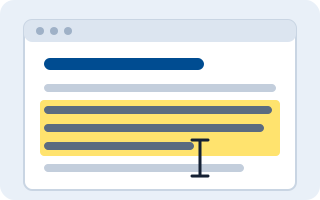
Select text
Highlight a word, a sentence or a paragraph on any web page, including your class pages.
-
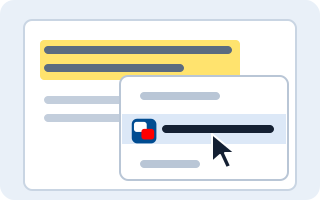
Right-click
Choose Ukok ñan Kajin M̧ajeļ / Translate to Marshallese from the menu.
-
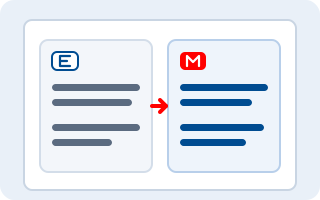
Read the translation
Google Translate opens in a tab next to your page, showing the English and the Marshallese side by side.
Made for students
-
One translation tab
Every translation opens in the same tab, so tabs don’t pile up.
-
Paragraphs stay separate
Line breaks are kept, so longer passages stay easy to read.
-
Works in text boxes
Translate text in forms and answer boxes, not only on the page.
-
Never cuts text short
If a selection is too long, a picture page shows how to select a shorter part, in Marshallese and English.
-
Works on most websites
Including learning platforms such as Moodle. See where it works.
-
Easy for schools
No settings, no server and no warnings at install. IT can install it for students from the Google Admin console.
Private by design
- No accounts, no tracking, and no data collected by the extension.
- Selected text goes only to Google Translate, and only when you choose the menu item.
- Nothing runs on a page until you click.
Read the full privacy policy.